

 Edit This Page
Managing Your Account
Every signed-in user can manage their own account on the Profile page: change the password, change the username, or
delete the account. Open it from the menu behind your avatar at the top right of the web UI, or go to /profile.
Administrators create and manage the accounts of other users on the Users page. See Managing Users and Navigating the Web UI.
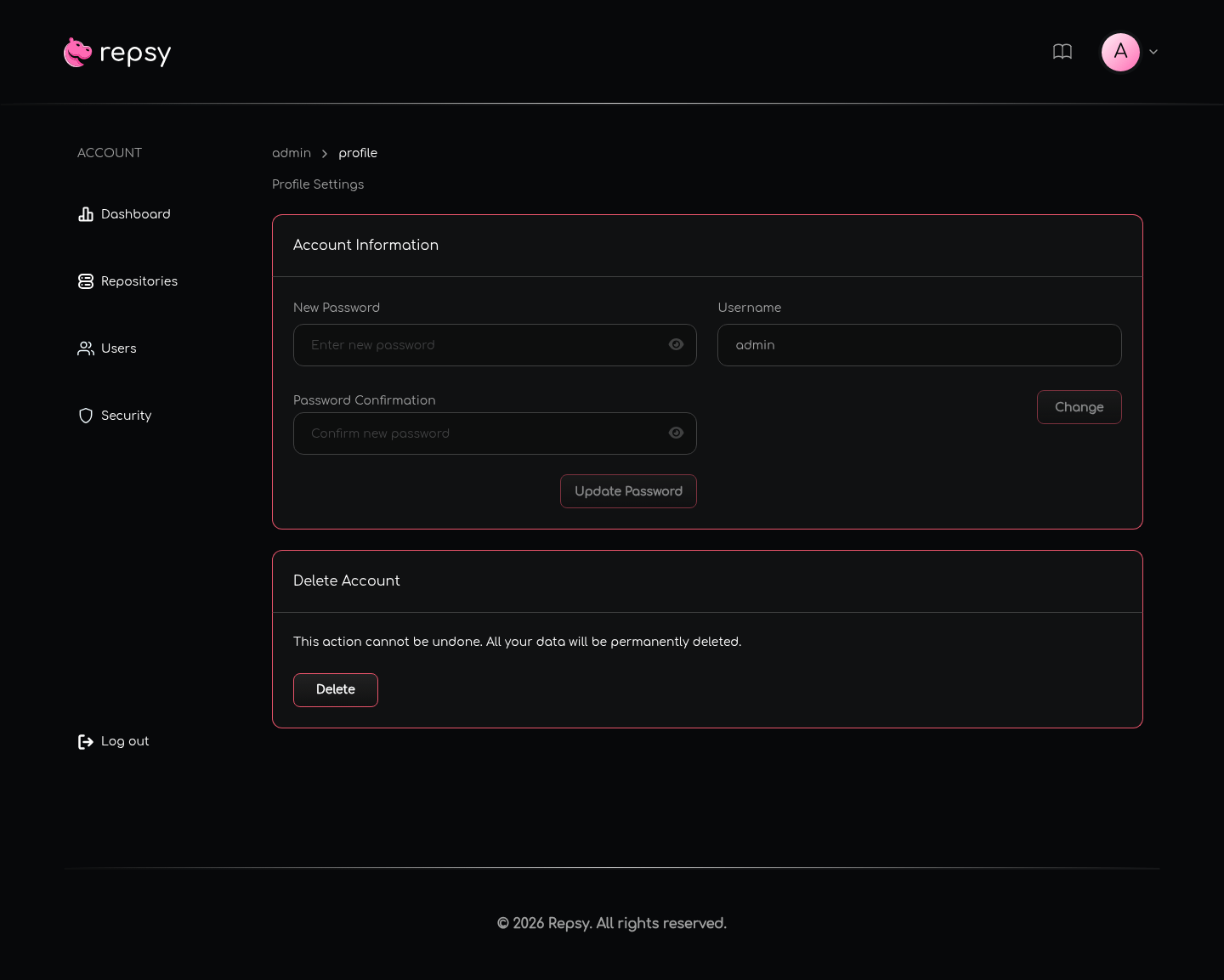
admin.Changing Your Password
Under Account Information, enter the new password in New Password and Password Confirmation, then click Update Password and confirm.
The new password must:
- have 6 to 50 characters,
- contain at least one lowercase letter, one uppercase letter and one digit, and
- not contain whitespace.
When the password is changed:
- You stay signed in on the browser tab where you changed it.
- Every other session of your account ends, and those browsers have to sign in again.
- Package manager clients and CI jobs that use your username and password stop working until you give them the new password. Deploy tokens are not affected.
If you have forgotten your password and cannot sign in, ask an administrator to reset it on the Users page, see Managing Users. Repsy shows the administrator the new password once, and you should change it after you sign in.
Changing Your Username
Under Account Information, edit the Username field, click Change and confirm. The page reloads and you stay signed in under the new name.
A username has 3 to 25 characters and can contain lowercase letters, digits, _ and -. Repsy refuses a name that another
user has, and a few names it reserves for itself, with “Username is in use. Please try another one.”
Sign in with the new username from now on, and update package manager clients and CI jobs that use your username and password.
The web UI warns that changing your username changes your repository URLs. In Repsy Open Source that does not apply: the address of a repository has no username in it, so the repository URLs stay the same. See Ports and Repository URLs.
Deleting Your Account
Under Delete Account, click Delete and confirm. Repsy deletes your user account and ends your session, and you can no longer sign in with it. Deleting an account cannot be undone.
Deleting your account only removes the account itself. Repositories, packages and deploy tokens do not belong to a user, so they are not deleted, and they stay available to everybody else. The text next to the button in the web UI says that all of your data is deleted, but there is no other data than the account.
The last administrator cannot delete their account: Repsy refuses with “You cannot delete the last admin user.” Make another user an administrator first.

